

Overview
Arize AI provides AI observability and evaluation for agents in development and production. Use Arize AX for the full-featured platform built for production teams, AI-native companies, and enterprises, available as managed cloud or enterprise self-hosted deployment. Use Arize Phoenix when you need an open-source path for local development, experimentation, or single-container self-hosting. Arize maintains a Pipecat instrumentor,openinference-instrumentation-pipecat, that auto-traces a running pipeline. It’s built on OpenInference, a set of OpenTelemetry-compatible semantic conventions for AI, so spans land in Arize AX, Arize Phoenix, or any OpenTelemetry backend, complementing Pipecat’s built-in OpenTelemetry tracing. See the Pipecat tracing guide for the full integration.
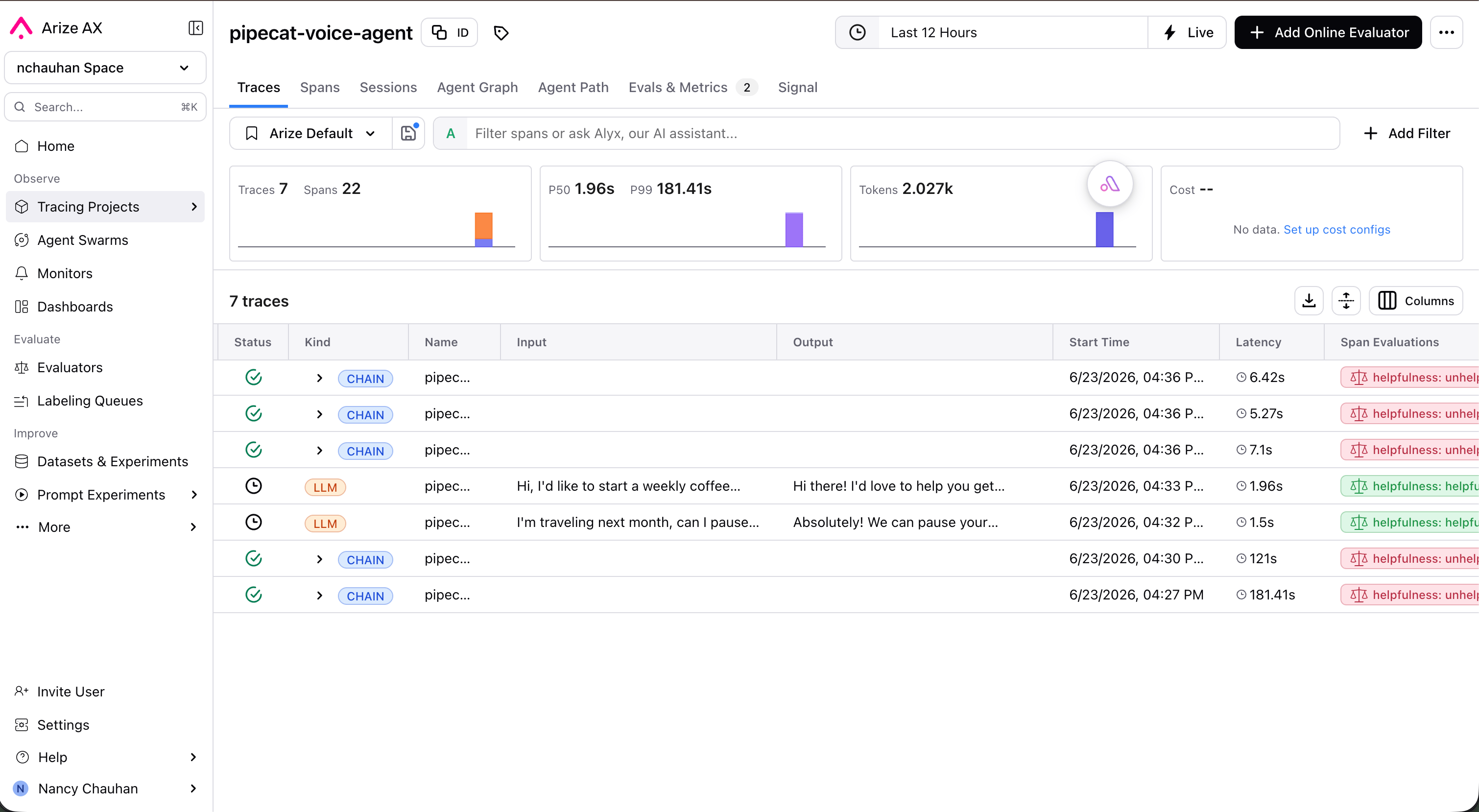
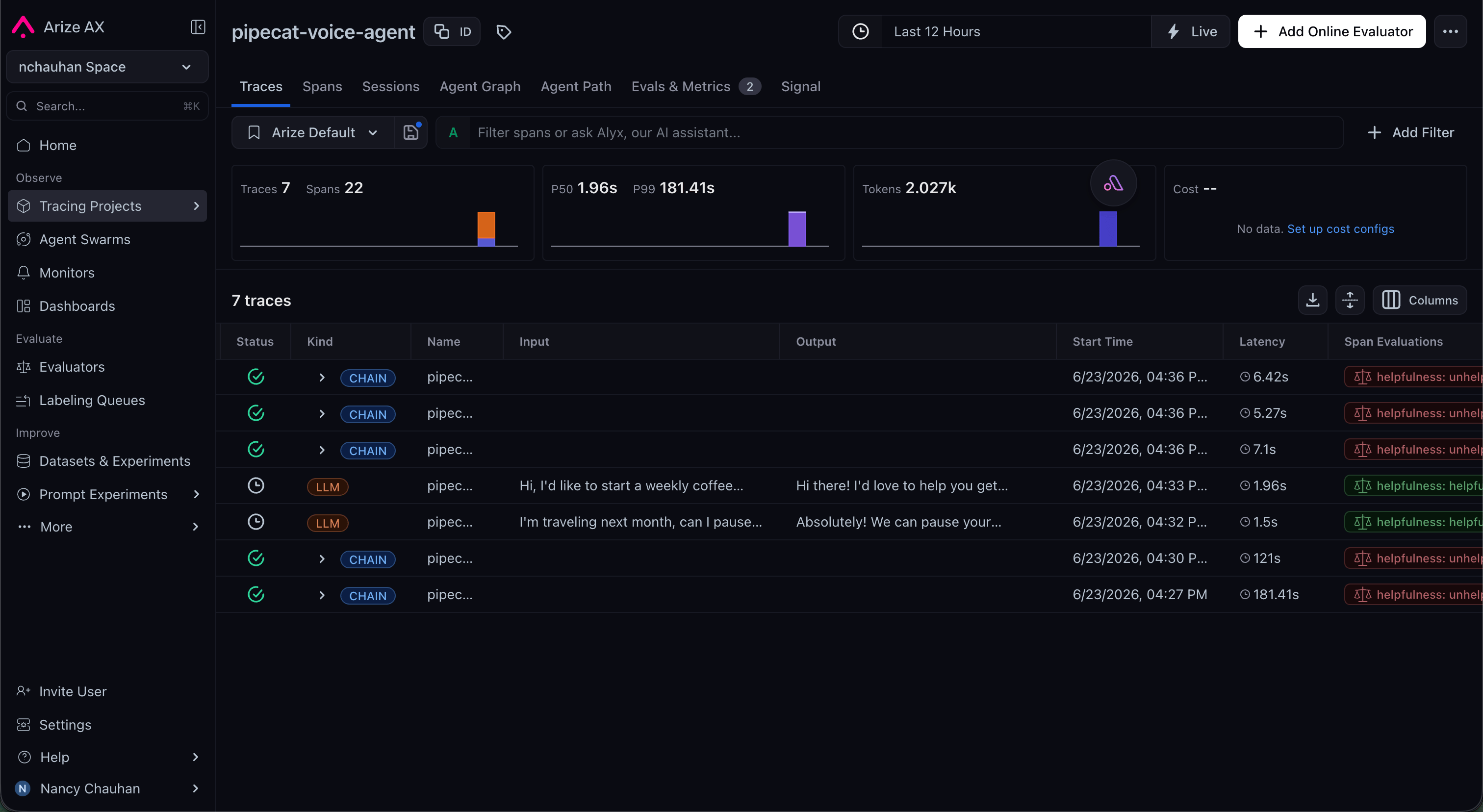
- Auto-instrument a Pipecat agent with a few lines at startup, no manual span code required
- Trace every turn, with STT, LLM, TTS, and tool spans grouped by conversation
- Align transcripts, tool calls, and per-stage latency in a single timeline to find bottlenecks
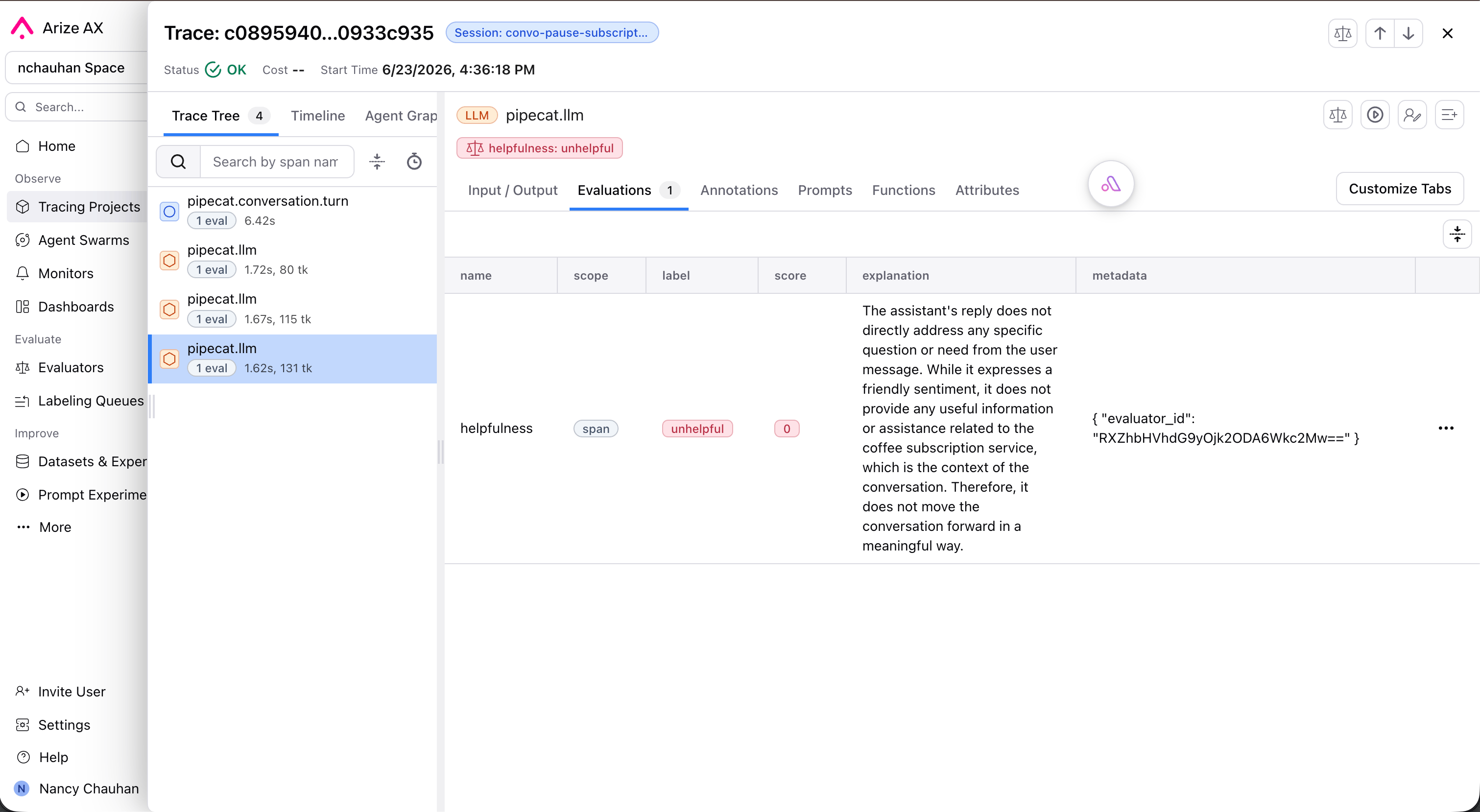
- Run LLM-as-a-judge evaluations (hallucination, correctness, relevance, task completion) over live traffic
- Track quality over time with dashboards and monitors, and alert on drift or regressions
Connect your Pipecat agent
Install the instrumentor plus the OTel SDK for your backend (arize-otel for Arize AX, or arize-phoenix-otel for Phoenix):
conversation_id to PipelineWorker so spans are grouped per session.
The instrumentor requires
pipecat-ai>=1.3 and Python 3.11+. Instrument
before the pipeline is constructed so worker spans are captured from the
first turn.What gets traced
The instrumentor converts Pipecat’s pipeline activity into OpenInference spans, so each conversation becomes a structured trace in Arize. As described in the Pipecat tracing guide, it captures:- Conversation sessions, grouping all turns that share a
conversation_id - Turn boundaries, with each user-to-assistant exchange as a parent span
- LLM calls with prompts, responses, token counts, and model metadata
- Speech-to-text and text-to-speech spans with their input/output and latency
- Tool and function calls with inputs, outputs, and duration
- End-to-end and per-stage latency, with failures surfaced as span errors
Online evaluation
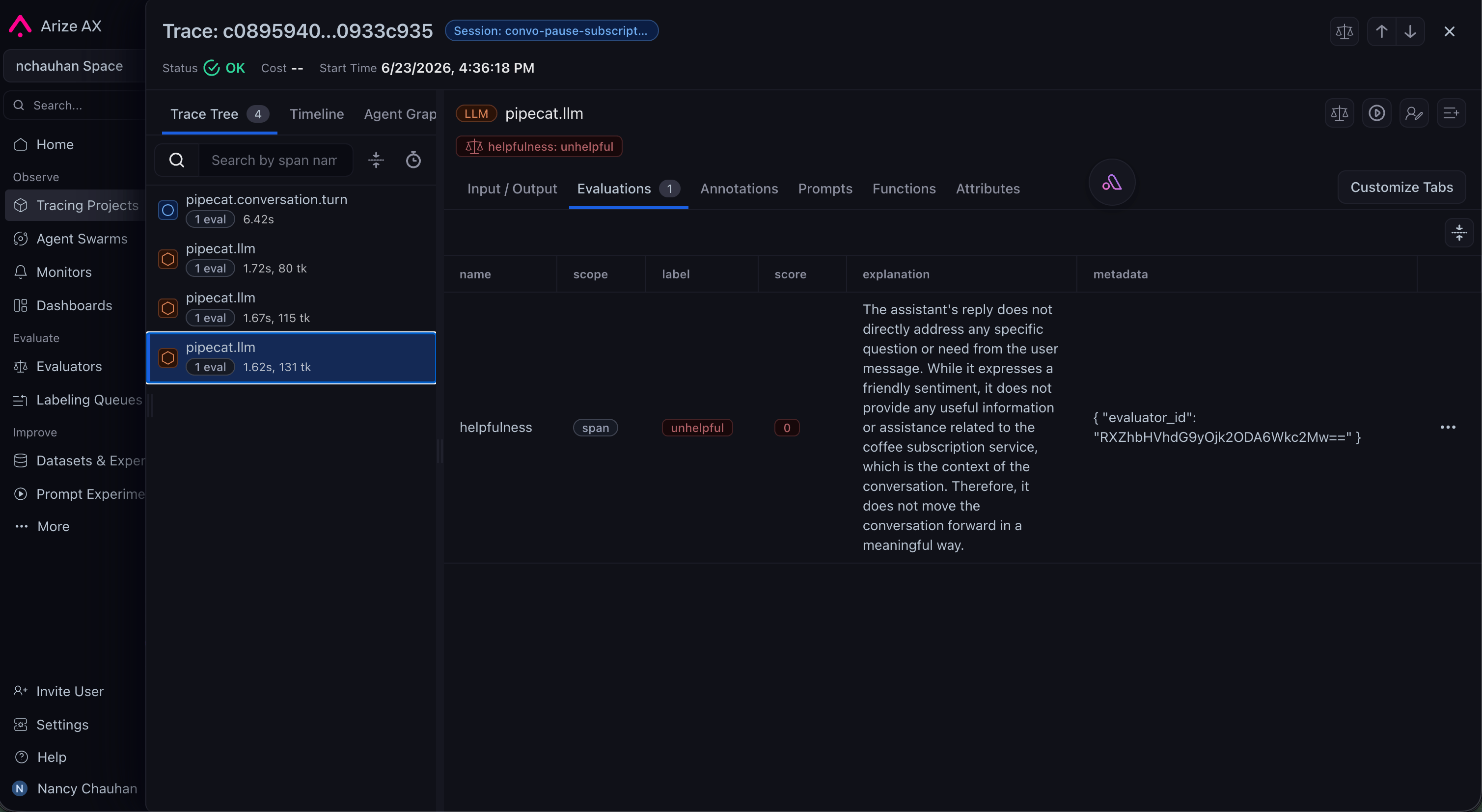
Beyond tracing, Arize runs evaluations on the traces it collects, the “evals” part of the workflow. You define an LLM-as-judge (a prompt plus an output label), and Arize scores spans automatically as traffic flows in:- Pre-built and custom judges for hallucination, correctness, relevance, and task completion
- Continuous evaluation of live traffic, with scores attached back to the originating spans
- Dashboards and monitors that track eval scores over time and alert on quality drift
Next steps
Pipecat Tracing Guide
Arize’s official guide to tracing a Pipecat agent, including setup and what
gets captured.
Arize AX Docs
Set up AX projects, tracing, online evals, dashboards, and monitors for
production deployments.
Phoenix (Open Source)
Self-host the open-source version for local tracing and evaluation of your
Pipecat agent.
OpenInference
The OpenTelemetry-compatible semantic conventions behind Arize’s
instrumentation.